

BC LDB Price Import
One powerful feature at a time.
BC LDB Price Import
The Problem
If you're a BC brewery selling through the BCLDB, you know the pain of manually updating wholesale prices, deposit fees, and duty costs every time the LDB sends you a new price list. Updating dozens or hundreds of SKUs by hand is tedious, time-consuming, and prone to errors, especially when you're trying to keep your pricing accurate across different package sizes.
The Solution
BarSight's BC LDB Price Import feature lets you upload the official BCLDB CSV price list and automatically sync all your pricing data in seconds. The system intelligently matches SKUs, updates wholesale prices and deposits, calculates duty costs per unit based on your package multipliers, and ensures everything stays accurate for future orders, without touching your historical data.
How to Use It
- Navigate to Brewery → Final Products
- Open the New Packaged Product menu and choose Import LDB Price List. You can also use the Import LDB Products button on Brewery → Recipes
- Choose Update pricing for existing SKUs only
- Click Choose File and select your BCLDB CSV export
- Click Upload to preview the data
- Review the preview table to confirm SKUs and prices are detected correctly
- Click Import into Database to apply the updates
What Gets Updated
The import automatically updates three key areas:
- Wholesale Prices – The per-unit price from the "WHOLESALE PRICE PER SELLING UNIT" column
- Container Deposits – Deposit fees per unit from the "CONTAINER DEPOSIT PER SELLING UNIT" column
- Duty Costs – Excise duty from "DUTY PAID COST PER CASE" divided by your SKU multiplier to get the accurate per-unit cost
The import applies to both batch packages and product packages, so all future orders use the updated pricing. Important: This does not change prices on existing orders. Only orders created after the import use the new prices.
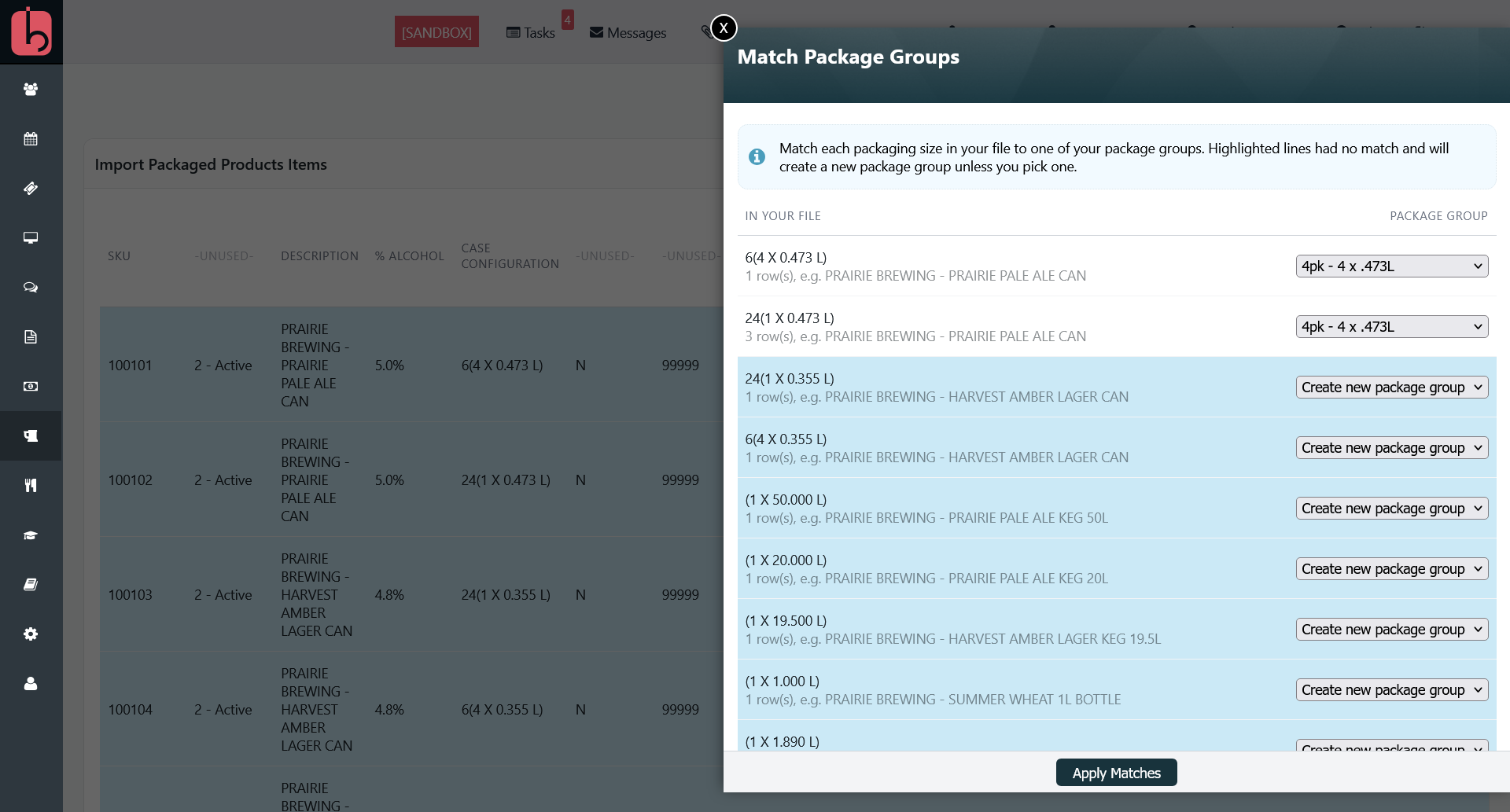
Only SKUs that are already on one of your packages are updated. A SKU that is not on any package is skipped without a message. To create products and packages from the list, use the Create new products, recipes & pricing from CSV option described in the full guide linked below. Prices apply as soon as you import, whatever effective date the file shows, so delete any rows with a future effective date before you upload.
How It Handles Different Package Sizes
Here's where BarSight gets smart: BCLDB gives you wholesale pricing per unit but duty costs per case. If you're selling 4-packs, 6-packs, and full cases of the same product, the duty cost needs to be divided correctly.
BarSight uses your package group's SKU Multiplier setting to automatically divide the duty cost. For example, if the LDB says duty is $48 per case, and the case holds six 4-packs so your package multiplier is 6, BarSight stores the duty as $8 per 4-pack. This ensures accurate pricing regardless of how you package and sell your products.
Pro Tip
Before running your first import, double-check that your SKU multiplier values are set correctly in Brewery → Package Settings. This ensures the duty costs are calculated accurately for your specific package configurations.
Learn More
To set up products from the LDB list for the first time, see Importing Products and Pricing from the BC LDB Price List. For more information about setting up package groups and multipliers, check out our guide on Package Groups.